
Image Converter: Best Tools & SEO Optimization Guide for 2026
Converting images to the right format can improve website speed by up to 50% and boost SEO rankings. This comprehensive guide covers the best image converter tools, format comparisons, and SEO optimization techniques for photographers, e-commerce stores, and content creators.
Why Image Conversion Matters for SEO
Images account for 40-44% of a webpage's total size. Slow-loading images increase bounce rates by up to 32% and negatively impact Google rankings. Proper image conversion and optimization can:
- Improve page load times by 25-50%
- Reduce bandwidth usage and hosting costs
- Enhance mobile user experience
- Increase visibility in Google Image Search
- Boost overall SEO performance
Common Image Formats Comparison
JPEG vs PNG vs WebP vs AVIF
JPEG (JPG)
- • Best for photographs and complex images
- • Lossy compression (smaller file sizes)
- • No transparency support
- • Universal browser compatibility
PNG
- • Best for graphics, logos, and screenshots
- • Lossless compression (higher quality)
- • Transparency support (alpha channel)
- • Larger file sizes than JPEG
WebP
- • Google's modern format (recommended for web)
- • 25-35% smaller than JPEG/PNG
- • Supports both lossy and lossless compression
- • Transparency and animation support
- • 96% browser compatibility
AVIF
- • Newest format with superior compression
- • 50% smaller than JPEG with same quality
- • Excellent for high-resolution images
- • Growing browser support (90-93%)
- • Slower decoding than WebP
Best Image Converter Tools for 2026
Online Converters
- CloudConvert - Multi-format support
- Convertio - Bulk conversion
- Online-Convert - Advanced options
- TinyPNG - Smart compression
- iLoveIMG - User-friendly interface
Desktop Software
- Adobe Photoshop - Professional editing
- GIMP - Free open-source alternative
- XnConvert - Bulk processing
- IrfanView - Lightweight and fast
- FFmpeg - Command-line tool
Automated Solutions
For WordPress users, plugins like ShortPixel and Imagify automatically convert images to WebP format upon upload. Shopify stores can use apps like TinyIMG for automated optimization.
Step-by-Step Conversion Guides
JPG to PNG Conversion
- Choose your conversion tool (online or desktop)
- Upload JPG files or drag-and-drop
- Select PNG as output format
- Adjust quality settings if available
- Download converted PNG files
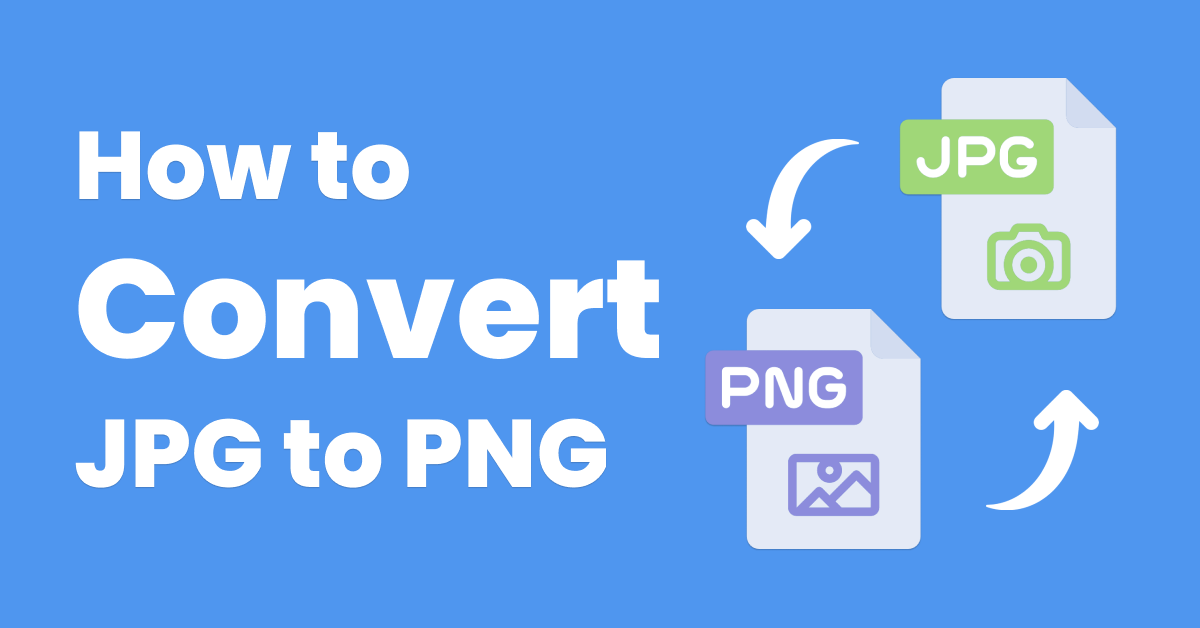
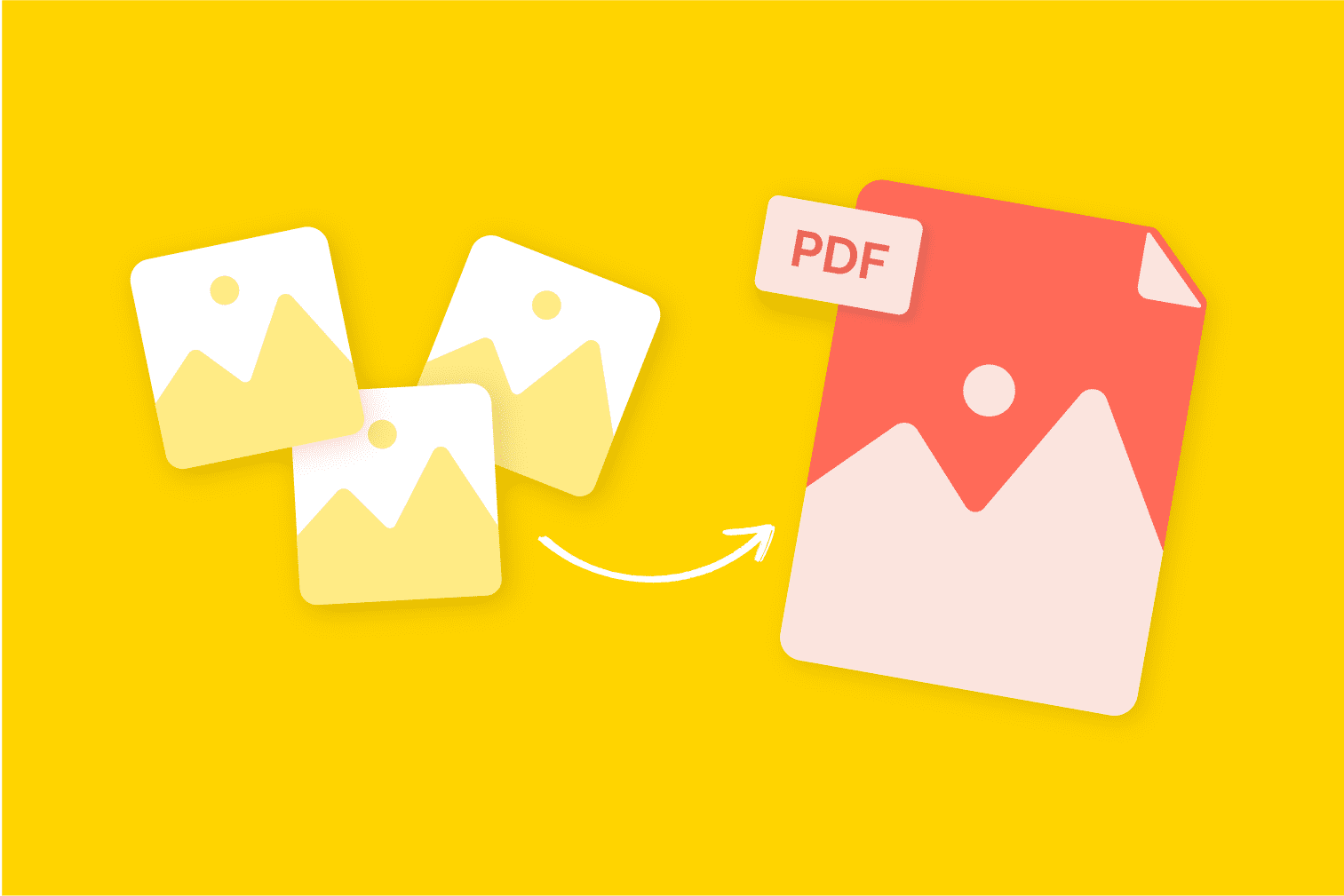
Photo to PDF Conversion
- Select multiple images for conversion
- Choose PDF as target format
- Arrange image order if needed
- Set PDF quality and compression
- Generate and download PDF file
Bulk Image Conversion
For e-commerce stores and content teams processing hundreds of images:
- Use desktop software like XnConvert for batch processing
- Set up automated workflows with cloud services
- Integrate with CMS platforms for automatic conversion
- Maintain consistent naming conventions
- Preserve metadata and quality settings
SEO Optimization Best Practices
File Naming Strategy
- Use descriptive, keyword-rich file names
- Separate words with hyphens (not underscores)
- Include primary keywords at beginning
- Avoid generic names like "IMG_2025.jpg"
- Example: "organic-pet-food-bowl.jpg"
Alt Text Optimization
- Keep alt text under 125 characters
- Describe the image accurately
- Include relevant keywords naturally
- Avoid keyword stuffing
- Example: "Golden retriever eating from pet food bowl"
Technical Optimization
- Use WebP format for modern browsers
- Implement responsive images with srcset
- Enable lazy loading for off-screen images
- Set proper image dimensions in HTML
- Keep file sizes under 200KB when possible
Structured Data
- Add schema markup for images
- Implement Open Graph tags for social sharing
- Use Twitter Card metadata
- Create image sitemaps for large sites
- Ensure proper licensing information
Integration with RMBG.PRO Tools
While image conversion handles format optimization, RMBG.PRO's image toolscomplement your workflow by providing:
- AI-powered background removal for clean product images
- Bulk processing capabilities for large catalogs
- WordPress plugin for seamless integration
- Shopify app for e-commerce optimization
- macOS desktop application for offline processing
Pro Tip: Combine format conversion with background removal for perfectly optimized e-commerce product images that load fast and convert better.
Frequently Asked Questions
What's the best image format for SEO in 2026?
WebP is currently the best format for SEO, offering 25-35% smaller file sizes than JPEG/PNG with excellent quality. It has 96% browser support and is recommended by Google for web performance.
How much can image conversion improve website speed?
Proper image conversion and optimization can improve page load times by 25-50%, reduce bounce rates by up to 32%, and significantly improve Core Web Vitals scores for better Google rankings.
Should I convert all my images to WebP?
Yes, for modern browsers. However, implement fallback mechanisms for older browsers. Use the HTML <picture> element to serve WebP to supported browsers and JPEG/PNG to others automatically.
What's the difference between lossy and lossless compression?
Lossy compression (JPEG, WebP) reduces file size by permanently removing some image data, suitable for photographs. Lossless compression (PNG, WebP lossless) preserves all image data, ideal for graphics and text-heavy images.
How do I handle bulk image conversion for e-commerce?
Use batch processing tools like XnConvert, automate with WordPress plugins, or use cloud services like CloudConvert. Maintain consistent naming conventions and quality settings across all images for professional results.
Conclusion
Image conversion is no longer optional—it's essential for modern web performance and SEO success. By choosing the right formats, implementing proper conversion workflows, and following SEO best practices, you can significantly improve your website's:
- Loading speed and user experience
- Search engine rankings and visibility
- Mobile performance and Core Web Vitals
- Conversion rates and engagement metrics
- Bandwidth efficiency and hosting costs
Start optimizing your images today with the tools and techniques covered in this guide, and consider integratingRMBG.PRO's advanced image processing capabilitiesfor a complete optimization solution.