AI Image Generator: Create Stunning Images from Text with RMBG.PRO
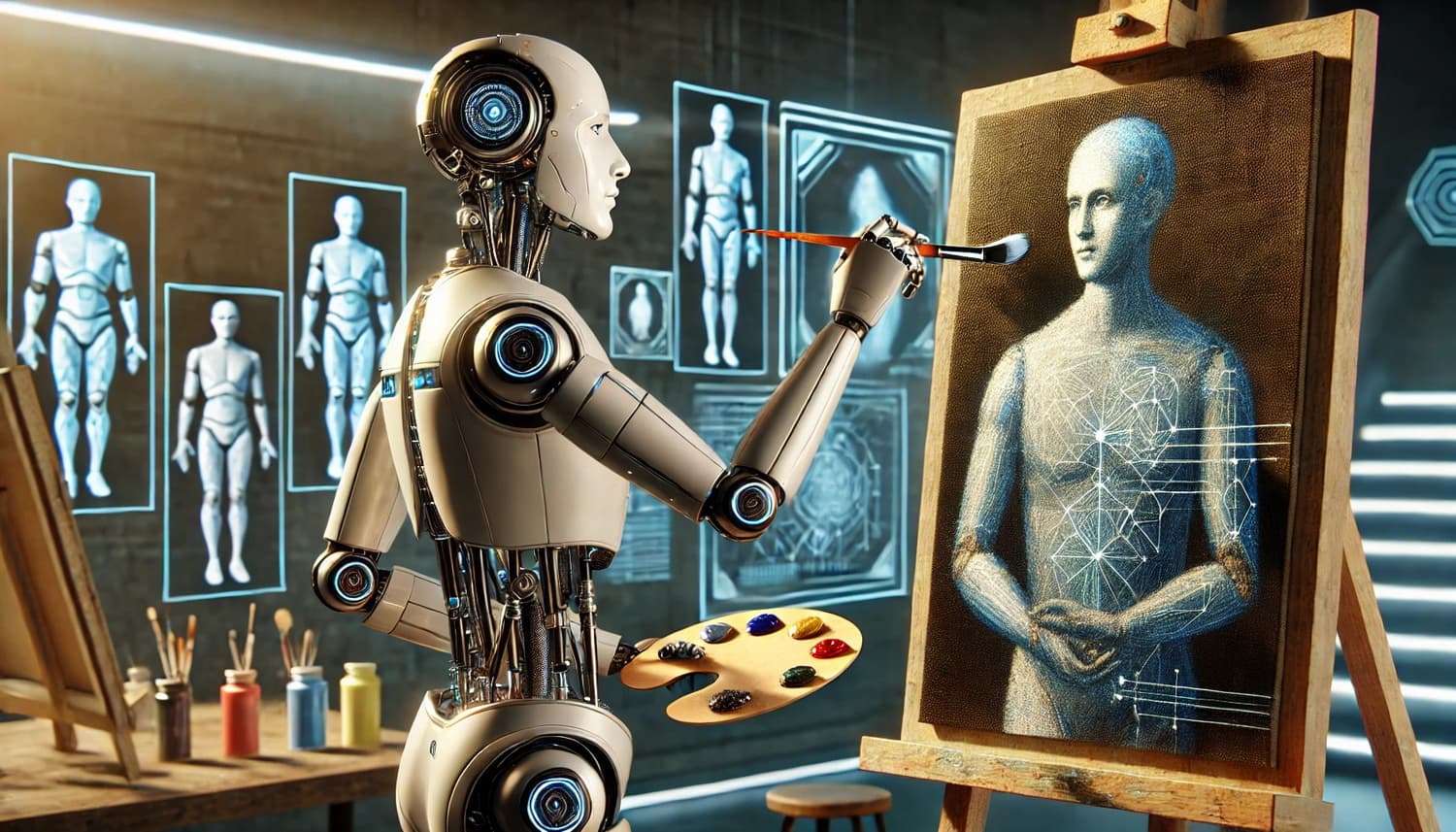
When you need a quick concept image, a social post visual, a product mockup, or a thumbnail idea, generating images from a prompt can save hours. The RMBG.PRO AI Image Generator turns your text into a ready-to-download image in seconds.
Published on April 8, 2026
What Is the RMBG.PRO AI Image Generator?
Our AI Image Generator is a simple text-to-image tool designed for fast iterations. Type a prompt, choose a model, generate, then download your result as an image file.
Best Use Cases
- Marketing: social visuals, ad concepts, banners, landing hero ideas.
- Creators: thumbnails, illustrations, moodboards, background concepts.
- Product: quick mockups and UI/feature concept art for discussions.
- Developers: placeholder images and rapid experimentation for prototypes.
How to Get Better Results (Prompt Tips)
Clear prompts produce clearer images. Try combining these elements:
- Subject: what is the main thing in the image.
- Style: photo-realistic, cinematic, watercolor, 3D render, vector.
- Lighting: soft studio light, golden hour, neon, dramatic shadows.
- Composition: close-up, wide shot, centered, rule of thirds.
- Details: lens type, background setting, materials, colors.
Example prompt:
“A minimal product photo of a matte black wireless earbud case on a white marble surface, soft studio lighting, shallow depth of field, high detail, 4k”
Credits and Pricing
Image generation uses a credit-based system so you always know what to expect. The exact cost is managed from the admin dashboard (service name: AIImageGenerated) and displayed directly inside the tool.
If you run out of credits, you can upgrade from Pricing.
Try the Tool
Similar articles
View all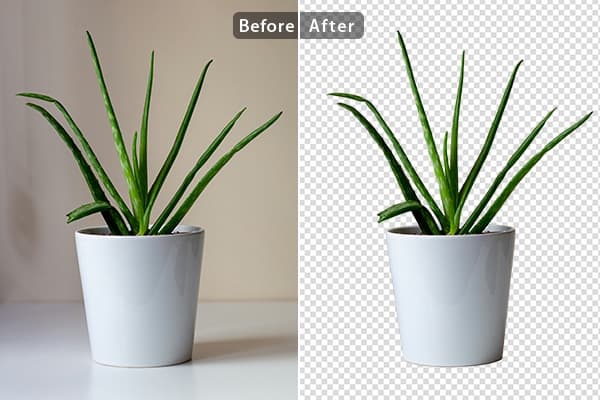
Run rembg-style background removal without installing Python. Compare the online tool, the REST API and self-hosting — with real processing-time trade-offs.
Détourez vos images dans le navigateur : pas de Python, pas de logiciel à installer. Comparaison entre outil en ligne, API REST et rembg en local.
أزل خلفية صورك من المتصفح مباشرة: بدون Python وبدون تثبيت أي برنامج. مقارنة بين الأداة أونلاين وواجهة API والأداة المحلية rembg.