
RM Background: Fast AI Remove Background for Images
If you need clean product photos, profile portraits, or marketing visuals, removing backgrounds manually is slow and inconsistent. This guide shows how to remove background quickly with AI, process images in bulk, and integrate directly with WordPress, Shopify, and macOS to save hours every week.
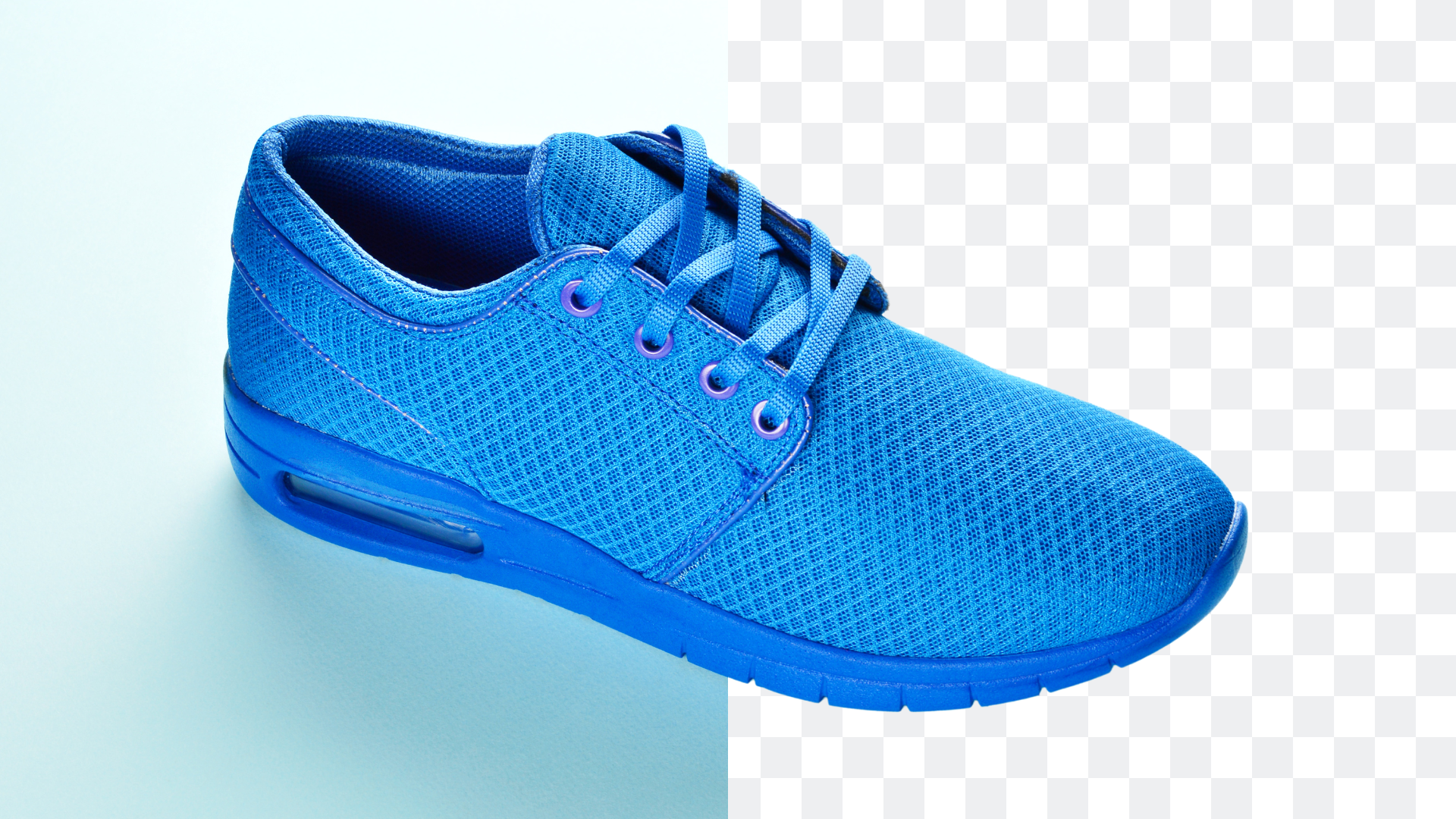
Why manual background removal doesn’t scale
Traditional tools like the magic wand or pen tool demand precision, training, and hours of repetitive work. For catalogs and campaigns, manual cutouts don’t scale. You need consistent, transparent backgrounds for hundreds of SKUs, with the same framing and output format every time.
AI segmentation isolates the subject in seconds, even with complex edges such as hair, glass, and jewelry. The biggest gains come from bulk processing and native integrations so you can handle large sets without constant uploads and downloads.
Quick start: rm background options
Online tool
Use a browser‑based background remover to get instant transparent PNGs or white JPGs. Ideal for quick edits and small batches.
CLI for developers
Process images via command line or API for automation. Perfect for pipelines, dashboards, and high‑volume jobs.
Desktop app
Run offline workflows with drag‑and‑drop folders and watched directories. Export transparent PNGs in seconds.
Integrations
Connect WordPress and Shopify to batch edit product images directly in your CMS.
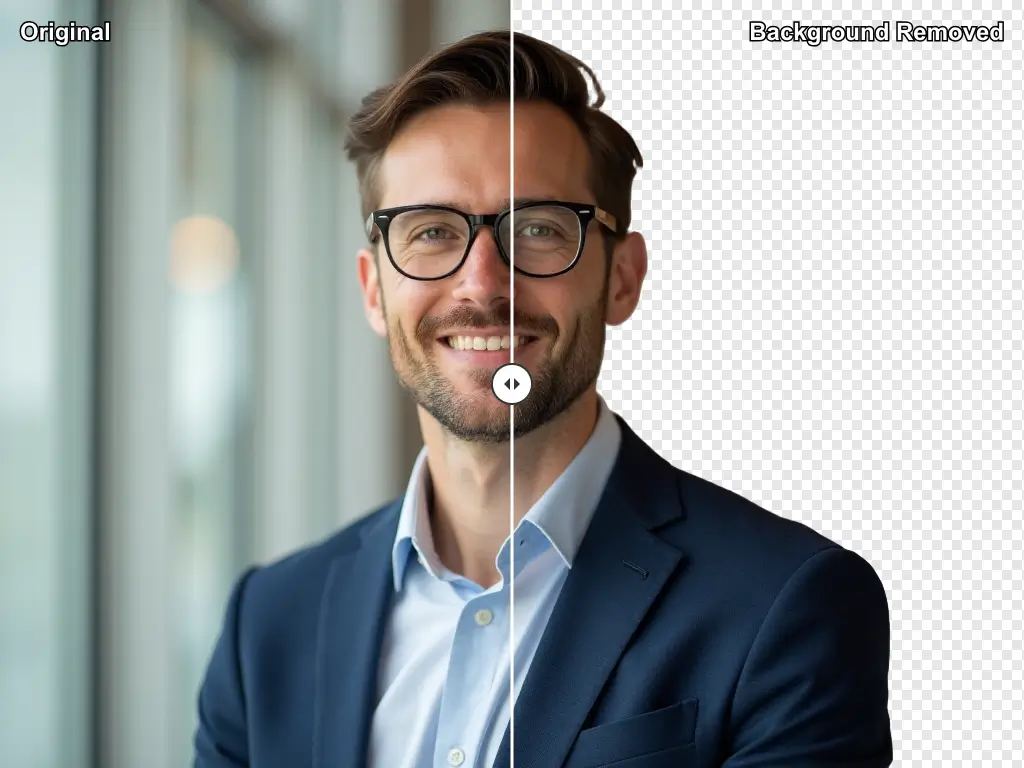
Step‑by‑step: remove background for a single image
- Upload the image.
- AI detects and isolates the subject, removing the background.
- Choose output: PNG transparent for overlays or JPG white for standard product pages.
- Download and reuse across listings and marketing assets.
E‑commerce product workflows
Catalog teams need consistent ratios, framing, and backgrounds across thousands of images. With bulk removal and standardized exports, you maintain visual clarity and brand consistency while reducing manual touch‑ups.
Bulk processing
Handle hundreds of images at once. Ideal for seasonal updates and large SKU sets.
Consistent outputs
Export PNG transparent for overlays and JPG white for PDPs. Convert to WebP for performance.

Developer path: CLI and API
Use CLI tools and APIs to automate background removal as part of your build pipelines or admin dashboards. Choose transparent PNG outputs, mask‑only returns, and optional resize or padding to fit downstream requirements.
- Rembg: popular CLI and library for programmatic background removal.
- RMBG v1.4 + OpenVINO: model insights and performance notes.
Integrations
WordPress plugin
Remove backgrounds in bulk directly from the media library. No exports required.
Shopify app
Batch edit product images and apply changes directly in Shopify listings.
macOS app
Run offline background removal with drag‑and‑drop folders and watched directories.
All‑in‑one platform
Combine editor, converter, and PDF catalog merges after background removal.
Best practices
- Standardize ratios and framing across all product images.
- Use PNG transparent for overlays and JPG white for PDPs.
- Convert to WebP for lighter pages without visible quality loss.
- Add a watermark when brand policy requires it.
- Track conversion lifts after standardizing backgrounds.
FAQ
Transparent PNG vs white background
Choose PNG transparent for overlays and compositing. Use JPG white for clean PDPs and smaller file sizes.
What’s fastest for bulk removal?
Use bulk removal in a platform or desktop app to process many images at once. Developers can automate via CLI or API.
Should I use an API or online tool?
Use an online tool for quick edits. Use API or CLI for automation, custom pipelines, and consistent outputs at scale.
Remove backgrounds fast and keep visuals consistent
Automate background removal, process images in bulk, and integrate with your existing platforms.