
PDF to Markdown for LLMs: Why You Should Convert PDFs Before Sending Them to AI
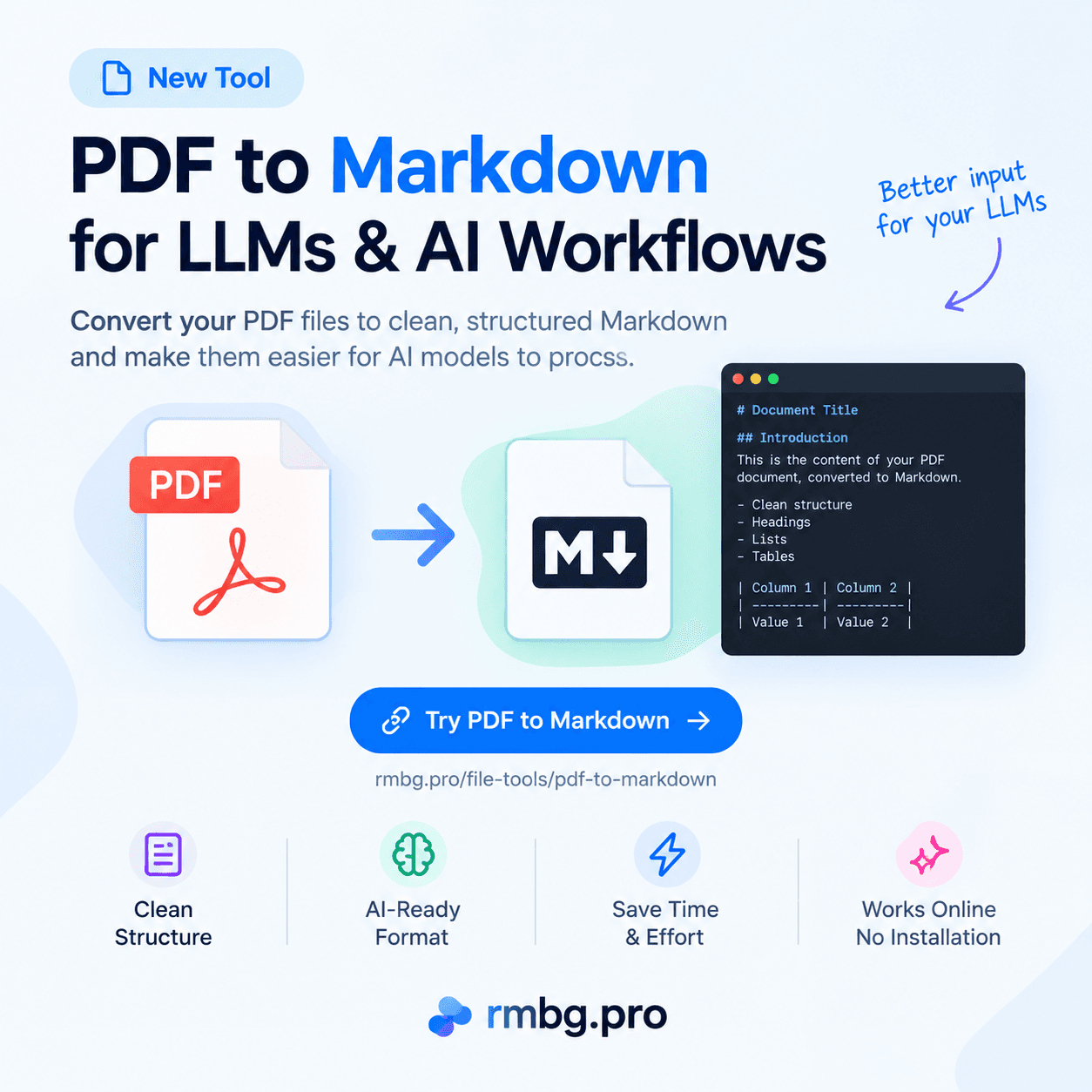
Sending a PDF to an LLM such as ChatGPT, Claude or Gemini works, but a PDF is designed for visual presentation. Converting it to clean, structured Markdown can give the model a more text-oriented representation of your document, and in many cases that is more efficient for AI processing.
Published on September 6, 2026
Documents are everywhere in AI workflows. Contracts, research papers, product specifications, meeting notes, and annual reports are often exchanged as PDFs. When you need an AI assistant to summarize a report, extract key numbers, or answer questions about a manual, the first question is: what do you actually give the model?
A PDF is a presentation format. It is designed to look exactly the same on every screen and on paper: fonts, columns, tables, headers, footers, and page breaks are all fixed in place. That is excellent for humans, but it means the meaningful text and structure of the document are not always immediately obvious to a machine.
Converting a PDF into Markdown creates a plain-text representation that keeps useful structure: headings, paragraphs, lists, links and tables. This article explains what tokens are, why structured text can be helpful for LLMs, when Markdown can reduce unnecessary processing, and exactly how to convert a PDF to Markdown with the free RMBG.PRO tool.
What Are Tokens, and Why Do They Matter?
Large language models do not read text the way humans do. They process input as tokens: small units that can be a whole word, a part of a word, or even a single character. The sentence “PDF to Markdown” might be split into several tokens depending on the model’s vocabulary.
Token usage matters because it is how most AI providers measure input, and it is directly related to how much content the model can take into account in a single request. The number of tokens a document produces depends on many things:
- The model you are using.
- The language of the document.
- The content itself: words, numbers, symbols.
- How the content is formatted and represented.
- How the AI platform ingests the PDF.
- Images, tables, layout and extracted text.
This is why it is impossible to say that Markdown always uses a fixed percentage fewer tokens than a PDF. The honest statement is:
Converting a PDF into clean Markdown can remove unnecessary document-layout information and provide a more compact, structured text representation. Depending on the PDF and on the AI system’s PDF ingestion method, this can reduce the amount of input processing and potentially lower token usage.
The only reliable way to know the effect on your tokens is to measure the same document with the same model and workflow, once as a PDF and once as Markdown.
Why Are PDFs Not Always the Best Input Format for LLMs?
PDF is primarily a document presentation format. Depending on the document, a PDF may contain text positioned by coordinates, multiple columns, headers, footers, page numbers, tables, images, captions, embedded fonts, layout information, scanned pages and embedded graphics.
None of this makes a PDF “bad for AI.” Many AI platforms read text-based PDFs well. But extracting the meaningful semantic structure from a PDF can require additional processing: the text layer has to be separated from the layout, reading order has to be recovered across columns, headers and footers have to be ignored, and tables have to be reconstructed.
The correct message is simple: PDFs can be useful AI inputs, but converting them into a structured text representation such as Markdown can be advantageous for many text-based LLM workflows.
PDF vs Markdown for LLMs
The two formats serve different purposes. This is a general comparison, and actual PDF extraction quality varies from document to document.
| Characteristic | Markdown | |
|---|---|---|
| Primary purpose | Document presentation | Structured text |
| Human visual layout | Excellent | Simple |
| Text structure | Can be complex | Explicit |
| Headings | Visual / layout based | Markdown syntax |
| Lists | Layout based | Explicit |
| Tables | Visual layout | Markdown table |
| AI text processing | Can require extraction | Already text-oriented |
| Editing | Less convenient | Very easy |
| Version control | Poor | Excellent |
| Developer workflows | Limited | Excellent |
Why Markdown Is Useful for LLMs
Markdown provides explicit structure. Where a PDF shows a large bold line of text, Markdown marks it as a heading with a #. Consider a PDF that visually renders something like this:
Chapter 2
Introduction
This is the content...
The same structure in Markdown is explicit and machine-readable:
# Chapter 2

## Introduction

This is the content...
The same applies to lists and tables:
## Features

- Feature one
- Feature two
- Feature three
Explicit structure makes a document easier to inspect, chunk, index, edit and use in AI workflows. Headings give natural boundaries for splitting content, and lists and tables travel with the text instead of being locked inside a visual layout.
Can PDF to Markdown Reduce LLM Token Usage?
Sometimes yes, and it depends. The honest answer has several parts:
- It depends on the original PDF.
- It depends on how the AI platform processes PDFs.
- A visually complex PDF may require additional representation or extraction.
- Clean Markdown can provide a more compact, text-oriented representation.
- Token savings are not guaranteed.
A PDF that is mostly clean text will usually extract well with or without conversion. A PDF with heavy layout, embedded fonts, repeated headers and footers, or scanned pages is a different story: the AI system has to do more work to reconstruct the content, and some of that overhead can be avoided by sending a clean Markdown version instead.
The objective is not simply to “use Markdown because it always costs fewer tokens.” The objective is to give the model a clean, relevant and structured representation of the information. Measure your own documents with your own model to know what actually changes.
A Practical Example
Imagine an annual report PDF with 30 pages: headings, paragraphs, lists, tables, and repeated headers and footers. Instead of repeatedly giving the AI the original PDF, you convert it once and keep a clean document.md:
# Annual Report

## Executive Summary

...

## Financial Results

| Year | Revenue |
|---|---:|
| 2025 | ... |
| 2026 | ... |

## Conclusion

...
This gives the AI a cleaner representation of the document’s semantic structure: the headings, the summary, the table of results and the conclusion are all visible in plain text. We are not claiming any specific token number here, because the real number depends on your document, your model and your provider.
PDF to Markdown Workflow for AI
A repeatable workflow keeps the process simple and reviewable:
- 1
Upload the PDF
Drag and drop the PDF into the converter or browse for it on your device.
- 2
Convert it to Markdown
Run the conversion. Text-based PDFs are processed in seconds.
- 3
Review the generated Markdown
Check the preview and the raw source before you use it.
- 4
Clean up extraction issues if necessary
Fix broken tables, stray headers or incorrect ordering before important tasks.
- 5
Upload or paste the Markdown into your LLM
Copy the Markdown or download the .md file and feed it to your AI workflow.
- 6
Ask the AI to work with it
Summarize, analyze, extract information, compare sections, answer questions, create structured data, generate documentation or perform research.
How to Convert PDF to Markdown with RMBG.PRO
The RMBG.PRO PDF to Markdown tool converts text-based PDFs into editable Markdown documents online. It is free, requires no registration, and files are processed temporarily and then deleted. The current limit is 15 MB per PDF.
- 1
Upload the PDF
On the tool page, drag and drop your PDF onto the upload area, or click to browse your device. Only PDF files are accepted, up to 15 MB.
- 2
Click Convert to Markdown
Once the file is selected, click the Convert to Markdown button. The tool shows a Converting... state while it extracts the text and structure. Headings, paragraphs, lists, links and tables are turned into Markdown.
- 3
Review the Markdown
The result screen shows the document stats (pages, words, Markdown size, time), a Markdown Preview panel with the rendered document, and a Markdown Source panel with the raw text.
- 4
Copy or download
Use Copy Markdown to copy the raw .md text, Copy Text to copy a plain-text version, or Download Markdown to save a
.mdfile. The file keeps the original name with a .md extension, for examplereport.pdfbecomesreport.md. Use Upload other file to start again.
Ready to Prepare a PDF for Your AI Workflow?
Convert a PDF to clean, structured Markdown in seconds, then copy or download the .md file for ChatGPT, Claude, Gemini, RAG pipelines or documentation.
Convert PDF to MarkdownCan I Use Markdown with ChatGPT, Claude and Gemini?
Yes. Markdown is widely used as a structured text representation and can be useful when providing documents to AI assistants such as ChatGPT, Claude and Gemini, as well as AI coding agents, RAG pipelines and AI document analysis systems.
Most assistants read plain text directly, and Markdown is plain text with lightweight formatting. You can paste it into a prompt or upload a .md file depending on the platform. Keep in mind that every platform handles PDF and Markdown input slightly differently, so the general workflow described here is more important than any platform-specific promise.
For an AI agent or RAG pipeline, Markdown also works well because it is easy to chunk, index, search, version-control, inspect and preprocess. If you already run AI agents, our guide on connecting RMBG.PRO tools to Claude and other AI agents shows a similar document-plus-AI workflow in practice.
Why PDF to Markdown Is Useful for AI Agents
AI agents work best when the input is predictable. Markdown gives agents a consistent text structure they can parse: headings for navigation, lists for enumerations, and tables for structured data. This matters for:
- RAG pipelines and knowledge bases.
- Documentation processing and technical manuals.
- AI research and research papers.
- Coding agents and developer documentation.
- Internal company documents and product specifications.
Because Markdown is easier to chunk, index, search, version-control, inspect and preprocess, it fits naturally into agent workflows that need to load documents into context.
PDF to Markdown for RAG
Retrieval-augmented generation usually follows a simplified pipeline like this:
PDF
 ↓
PDF → Markdown
 ↓
Clean / normalize content
 ↓
Split into chunks
 ↓
Generate embeddings
 ↓
Store in vector database
 ↓
Retrieve relevant chunks
 ↓
Send context to LLM
A structured text representation is useful before chunking because headings and lists give natural split points, which can lead to cleaner chunks than splitting raw extracted text. Note that Markdown does not automatically improve retrieval accuracy: chunking strategy, embeddings and the retrieval setup all play a role.
A Developer Workflow with .md Files
For developers, .md files are especially convenient. A typical flow looks like this:
research-paper.pdf
        ↓
pdf-to-markdown
        ↓
research-paper.md
        ↓
Git / knowledge base / RAG / AI agent
Markdown works natively in GitHub, Git, VS Code, documentation systems, static site generators and AI coding agents. You can diff changes, review edits and reuse the content in many tools without a PDF viewer.
The RMBG.PRO platform also offers a full set of AI and file tools for document and image work, including PDF compression and PDF editing.
Scanned PDFs and OCR
PDF-to-Markdown conversion works best when the PDF contains actual text. Scanned PDFs may contain only page images with no selectable text layer.
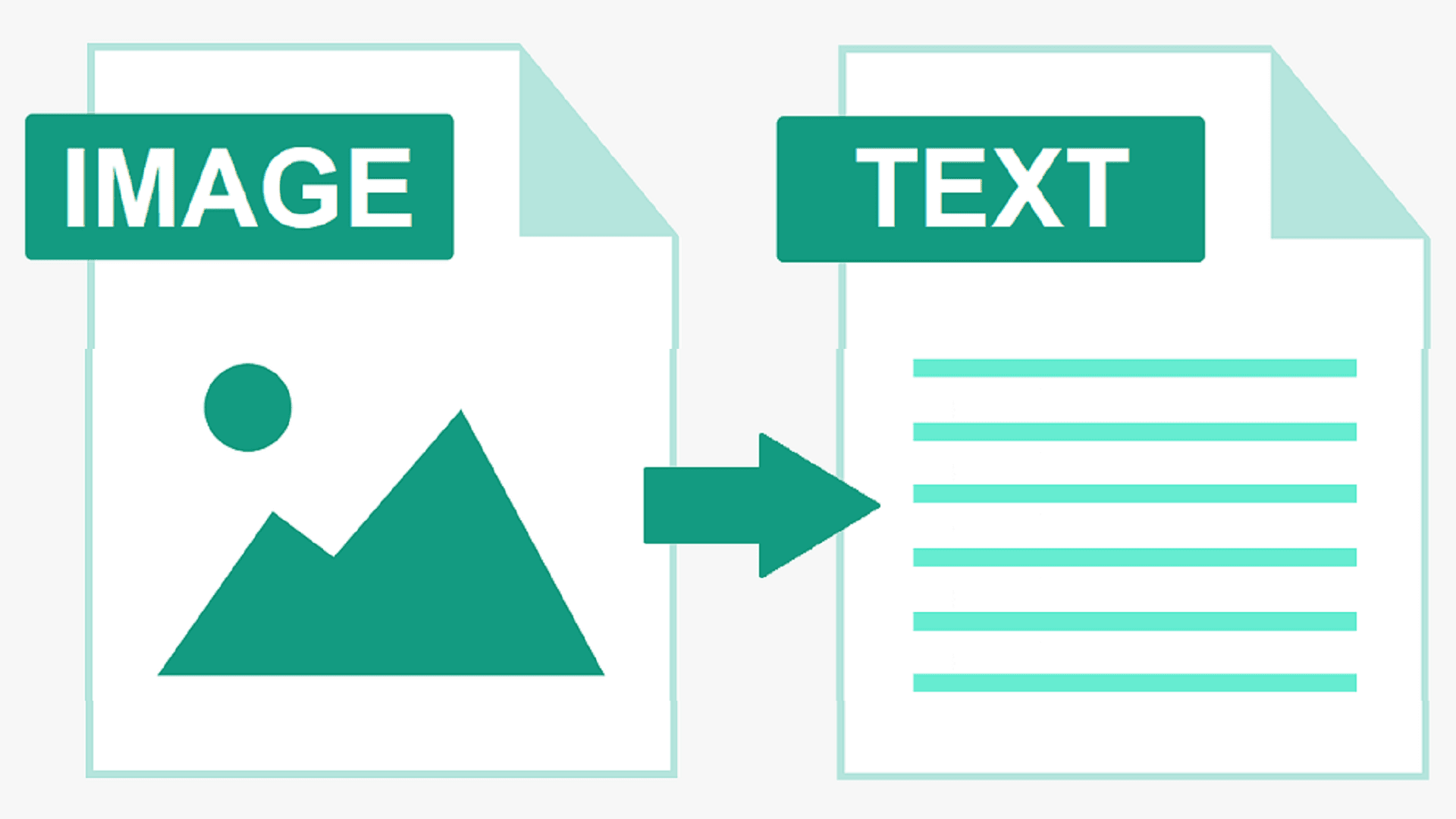
Important: the current RMBG.PRO PDF to Markdown tool does not perform OCR. Scanned or image-only PDFs may require OCR before their text can be converted accurately into Markdown. If the tool cannot extract text, it reports that the PDF may be scanned or image-based. For images that already contain readable text, you can use the Image to Text OCR tool instead.
Tables and Complex Documents
PDFs that contain tables, multiple columns, formulas, images or complex layouts may require additional processing. The converter attempts to preserve tables as Markdown tables when the layout can be detected reliably, but perfect preservation is not guaranteed.
Always review the Markdown result before feeding it into an important AI workflow, and keep the original PDF for reference.
PDF → Markdown vs PDF → TXT
Converting a PDF to plain text removes much of the document structure. Markdown can preserve useful semantic structure such as:
# Heading

## Subheading

- List item

| Column | Value |
|---|---|
| A | B |
Markdown is therefore a useful middle ground between a complex document layout and flat plain text: it keeps structure without requiring a layout engine.
PDF → Markdown vs Copy/Paste
Manually copying text out of a PDF can produce broken formatting, missing sections, incorrect reading order across columns, lost tables, and a lot of manual cleanup. A converter automates the first extraction step and keeps headings, lists and tables where possible.
No converter guarantees perfect extraction, so review the output, but automation is almost always faster and more consistent than hand-copying a long document.
Best Practices Before Sending Markdown to an LLM
- Review the headings to confirm the document structure survived.
- Check tables for split or merged cells.
- Remove unnecessary headers and footers if they were not already stripped.
- Check for broken characters or encoding artifacts.
- Verify the page ordering, especially in multi-column documents.
- Verify important numbers and formulas.
- Check that links are still readable.
- Remove irrelevant sections before sending.
- Split very large documents when necessary.
- Keep the original PDF for reference.
How to Reduce Unnecessary LLM Token Usage
- Convert complex documents to clean text or Markdown.
- Remove repeated headers and footers.
- Remove irrelevant sections.
- Avoid sending the same document repeatedly.
- Chunk large documents.
- Retrieve only relevant sections when using RAG.
- Summarize large documents once and reuse the summary where appropriate.
- Use structured Markdown for headings, lists and tables.
- Measure actual token usage with your chosen model.
The objective is not simply to “use Markdown because it always costs fewer tokens.” The objective is to give the model a clean, relevant and structured representation of the information.
Frequently Asked Questions
Why convert PDF to Markdown before sending it to an LLM?▾
A PDF is designed for visual document presentation, while Markdown is a structured text format. Converting a PDF to Markdown gives the AI a clean, text-oriented representation with explicit headings, lists, links and tables, which can make the document easier to inspect, chunk and process. Token savings are not guaranteed and depend on the PDF and on how the AI platform ingests files.
Does Markdown use fewer tokens than PDF?▾
It depends. Clean Markdown removes layout information, which can reduce the amount of input processing for some documents. But token usage depends on the model, the language, the document content, images, formatting and the AI system’s PDF ingestion method. There is no universal token saving you can rely on without measuring the same document with the same model.
Can I send a PDF directly to ChatGPT?▾
Many modern AI assistants accept PDF uploads and try to extract the text internally. For text-based PDFs this usually works, but complex layouts, tables and scanned pages can be extracted inconsistently. Providing clean Markdown gives the model an already-structured text representation that is easy to review before you send it.
Is Markdown better than PDF for AI?▾
For text-based workflows, Markdown is often more convenient because its structure is explicit: headings, lists and tables are part of the text itself. A PDF is better for human visual presentation. Neither format is universally better; the right choice depends on the document and the workflow.
Can I convert a PDF to Markdown for Claude?▾
Yes. Claude, like other LLMs, can read Markdown text. Convert your PDF with the RMBG.PRO PDF to Markdown tool, review the result, then paste the Markdown into your Claude prompt or upload the .md file if your workflow supports it.
Can I convert a PDF to Markdown for Gemini?▾
Yes. Gemini accepts text input, and Markdown is plain text. Convert the PDF to Markdown, check the extraction, and then paste or upload the Markdown into your Gemini prompt.
Does PDF to Markdown work with scanned PDFs?▾
The RMBG.PRO tool works best with text-based PDFs. Scanned or image-only PDFs contain no selectable text layer, so they must first go through OCR. The tool currently does not perform OCR and will report that no text could be extracted.
Does PDF to Markdown preserve tables?▾
Where a table layout can be reliably detected, it is converted into a Markdown table. Complex tables, multi-column layouts and formulas may need manual review. Always check the generated Markdown before using it in an important AI workflow.
Can I use Markdown for RAG?▾
Yes. Structured Markdown is commonly chunked and indexed in RAG pipelines because headings and lists give useful boundaries for splitting content. Converting a PDF to Markdown is a practical first step before chunking and embedding.
Can I download the converted Markdown file?▾
Yes. The RMBG.PRO PDF to Markdown tool lets you copy the generated Markdown or download it as a .md file with the correct text/markdown format, ready for your AI workflow, documentation system or repository.
Similar articles
View all
Work with permitted TikTok content using RMBG.PRO. Check public TikTok links, convert videos to MP4 or WebM, extract MP3 or WAV audio, and choose quality presets.
Travaillez avec du contenu TikTok autorisé grâce à RMBG.PRO. Vérifiez les liens publics, convertissez en MP4 ou WebM, extrayez l’audio MP3 ou WAV et choisissez la qualité.
Trabaja con contenido TikTok permitido en RMBG.PRO. Revisa enlaces públicos, convierte a MP4 o WebM, extrae audio MP3 o WAV y elige la calidad.