RMBG.PRO Checkout: Step-by-Step to Buy Credits
Follow these simple steps to select a plan, pay securely, confirm your payment, and start using RMBG.PRO credits immediately.
Choose your plan
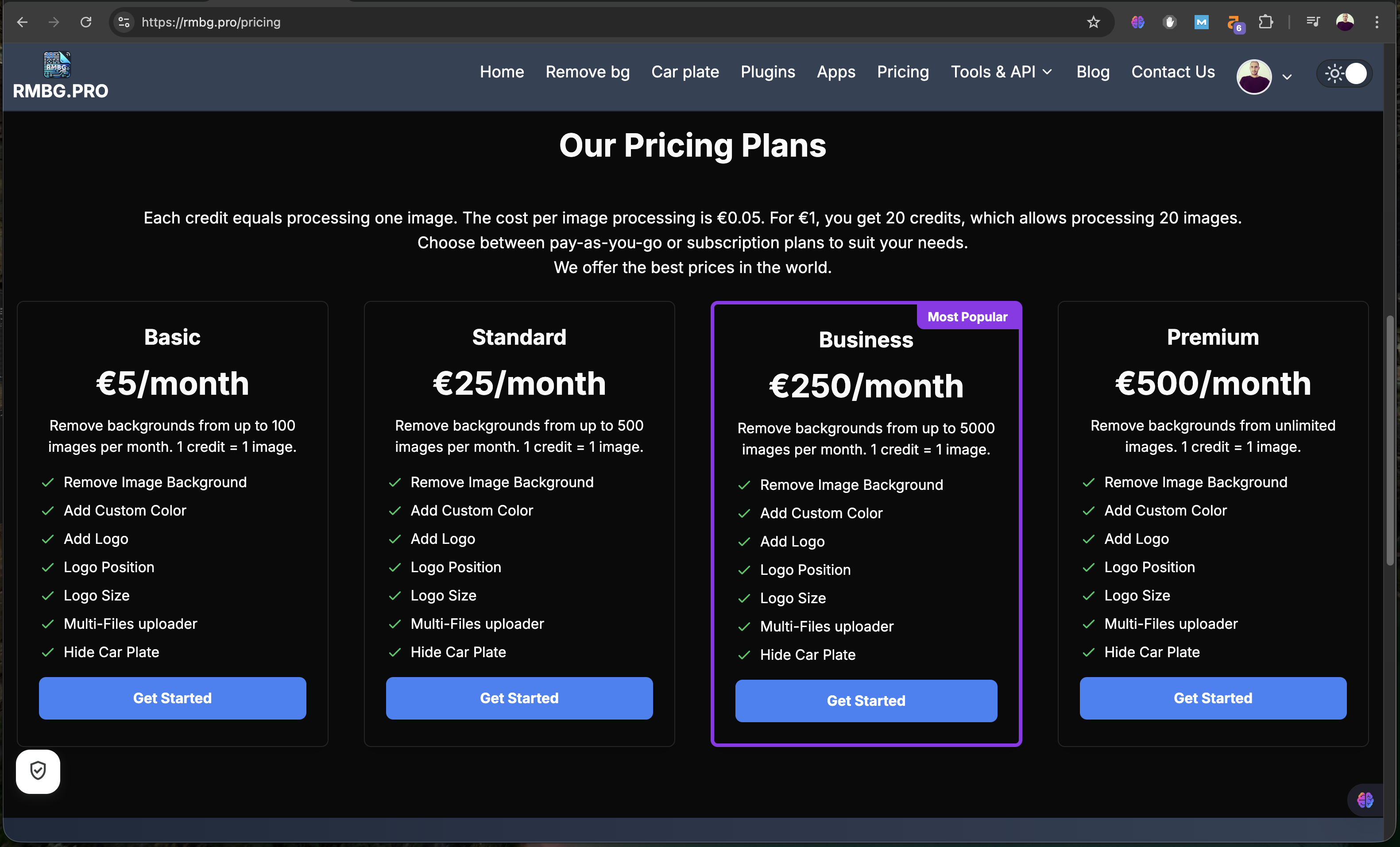
Visit the pricing page and select the plan that matches your usage. You can start with the Basic plan or choose higher tiers for bulk processing.
Open checkout
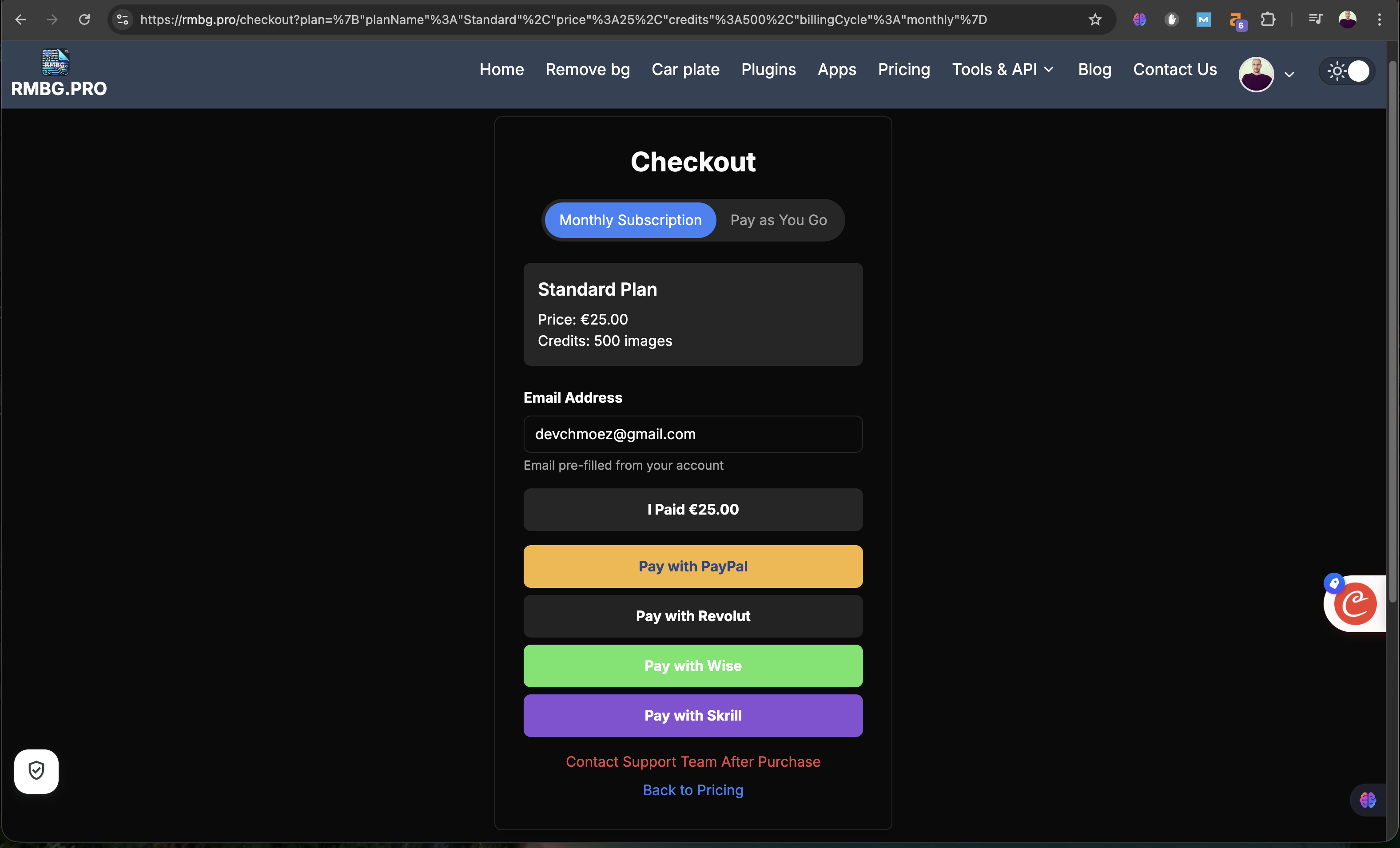
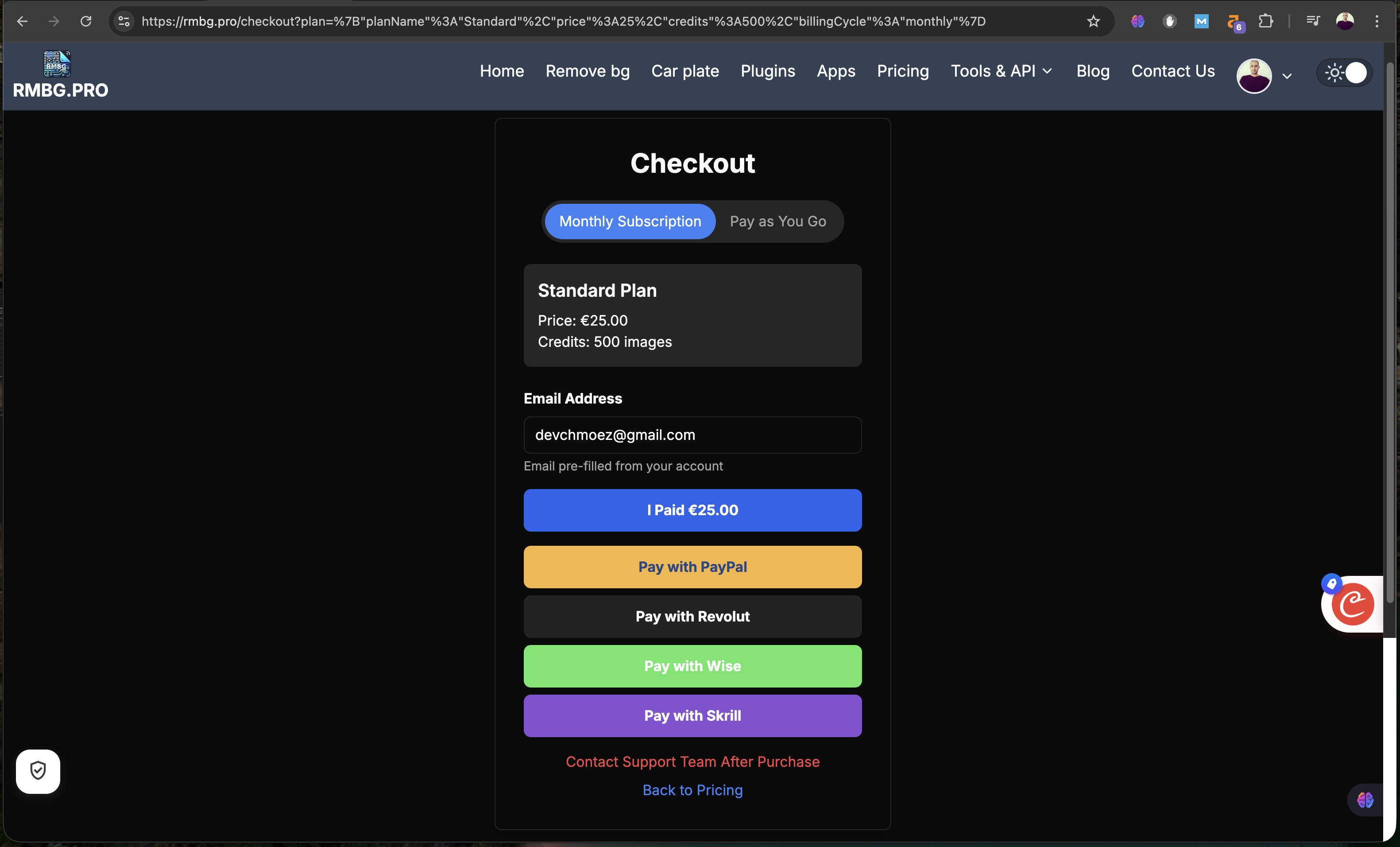
Proceed to checkout. You can select a Monthly subscription or choose Pay as You Go based on your needs.
Choose payment method
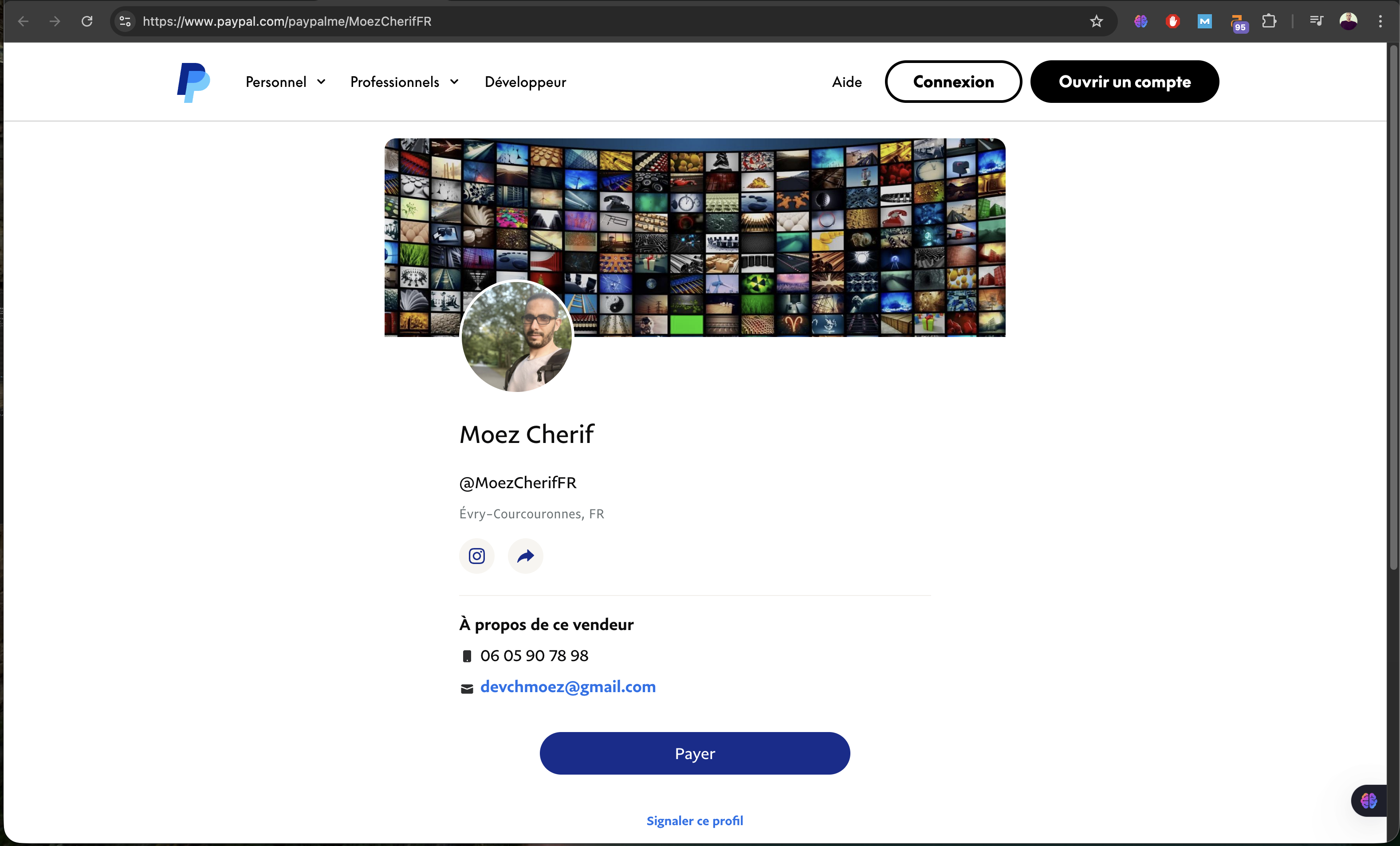
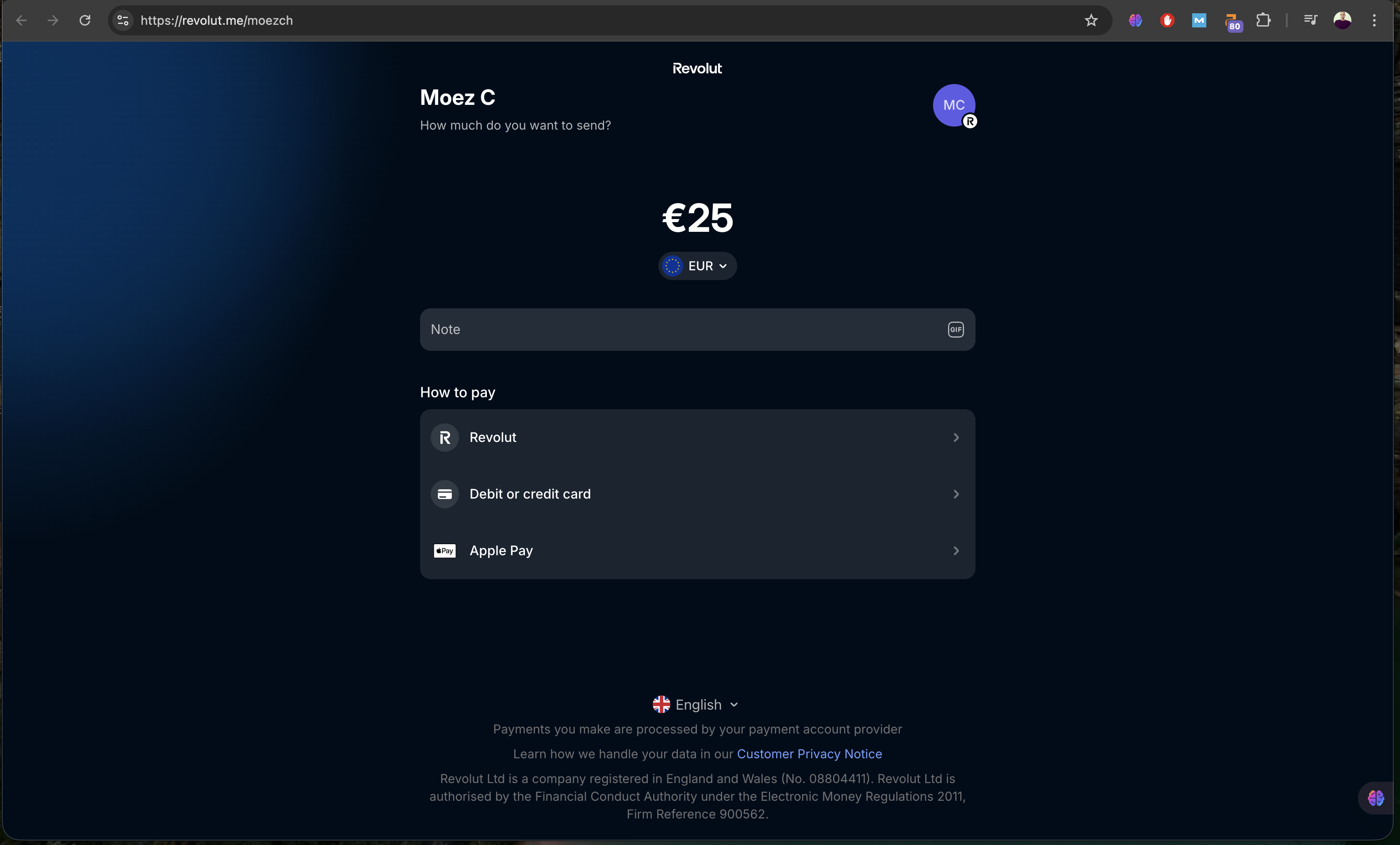
Select your preferred payment method such as PayPal or Revolut. All transactions are processed securely.
Confirm payment and notify
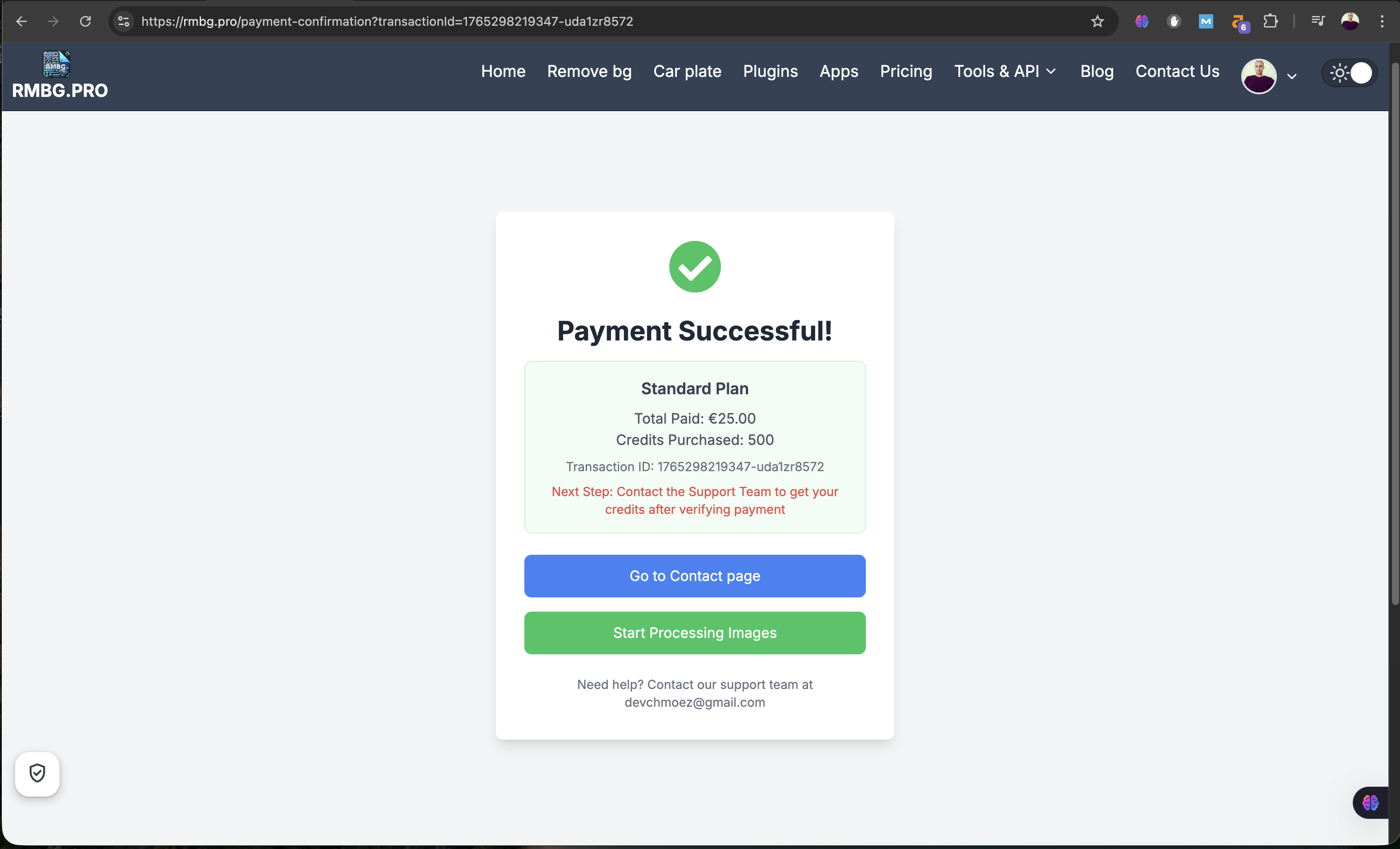
After completing the payment, return to the checkout page and click “I paid” to automatically notify the admin and receive your invoice via email.
Send a second notification
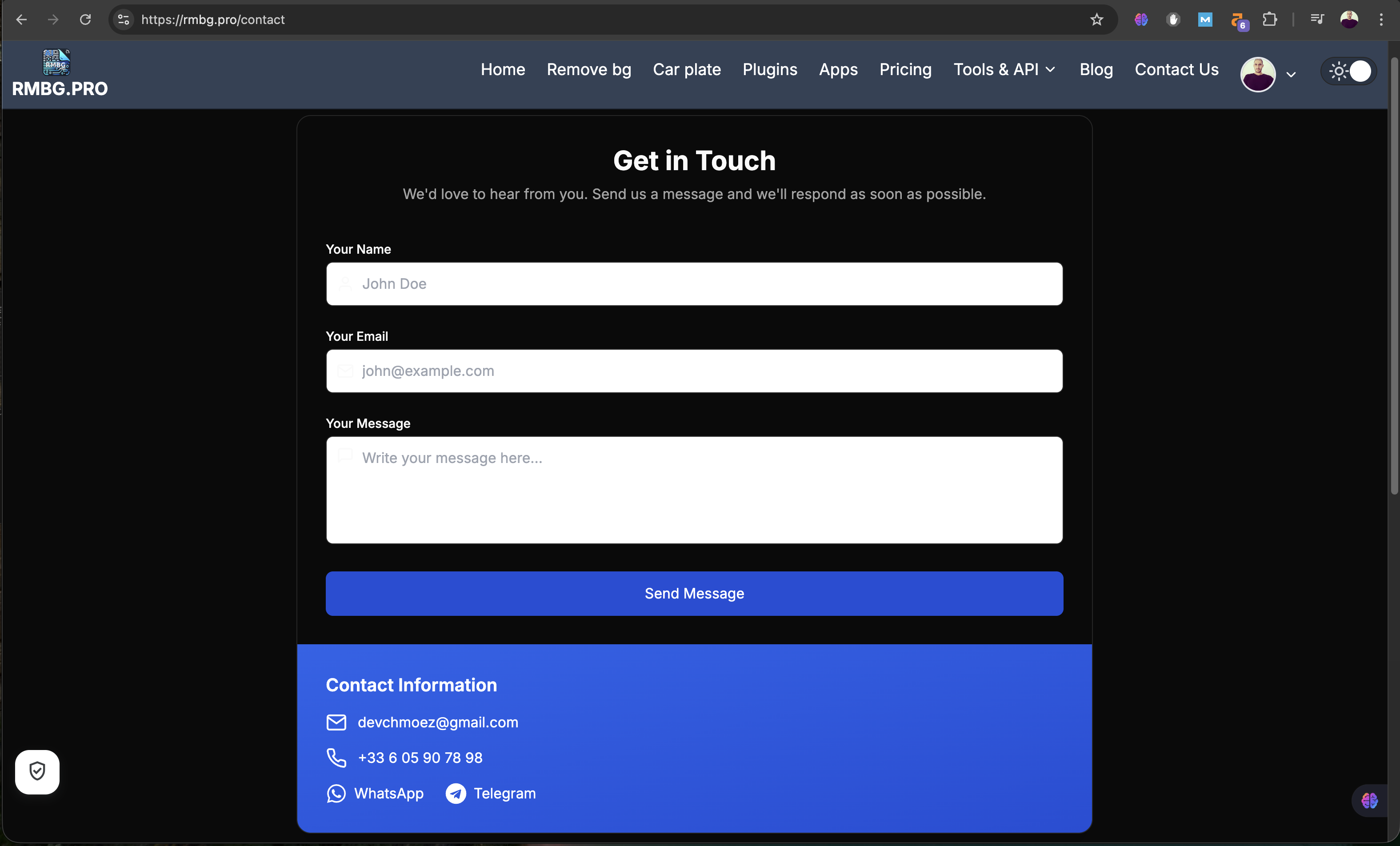
If needed, go to the contact page and send a message. This triggers a second notification to the team to accelerate verification.
Admin verifies the transaction
An admin reviews your payment. Once verified, your credits are updated and ready to use.
Check your credits
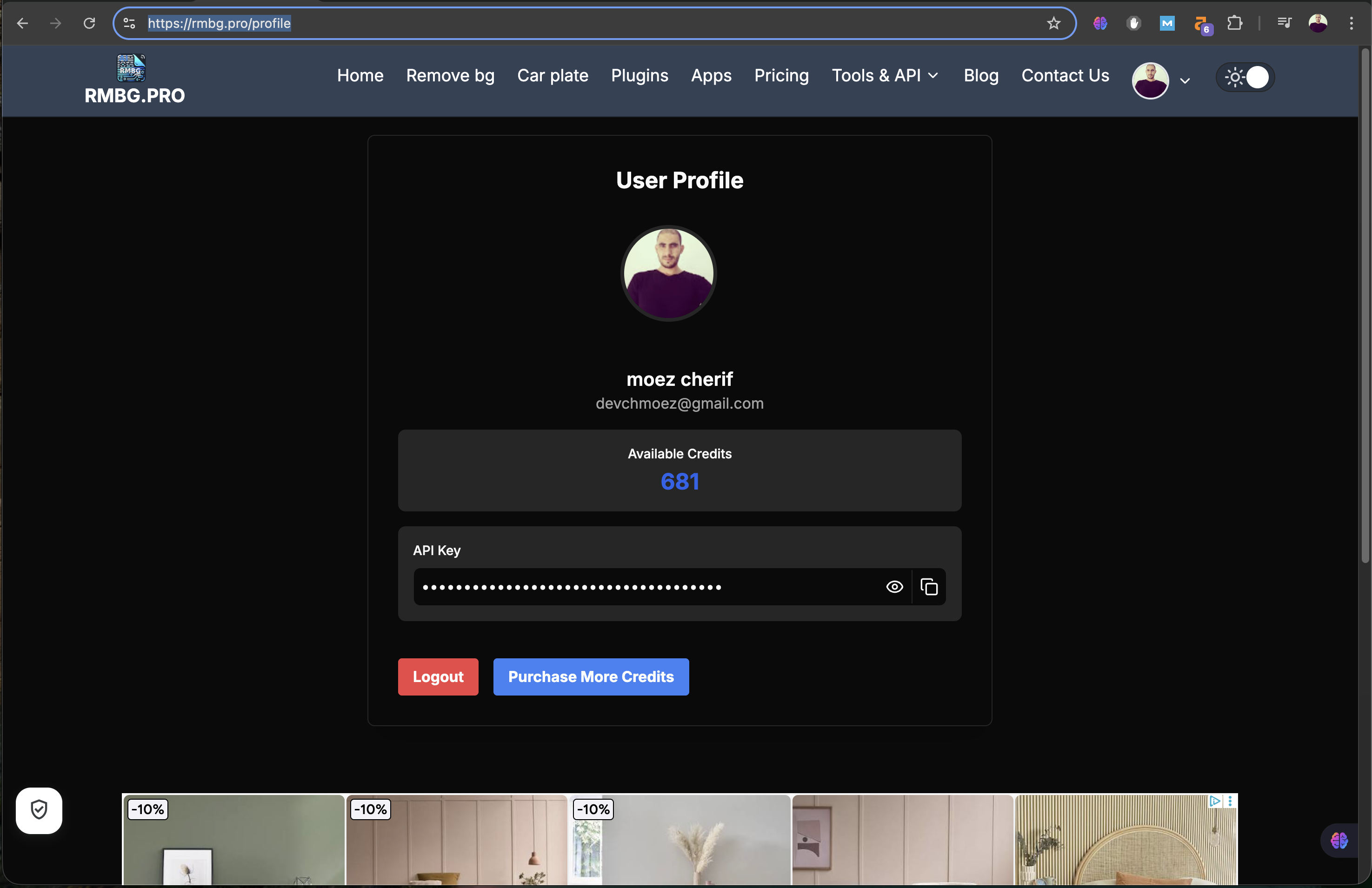
Visit your profile to see current RMBG.PRO credits and transaction history. Credits are deducted per processed image.
You can also read related guides like How to Use RMBG.PRO and RMBG.PRO for macOS.