
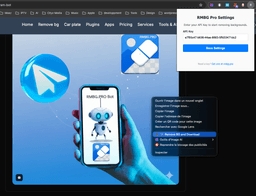
RMBG PRO Chrome Extension
Remove backgrounds, analyze image optimization, and download in any format with a simple right-click. The ultimate browser companion for designers and e-commerce.
Upgrade Your Browser Experience
Instant background removal, optimization badges, and detailed image reports.
What is the RMBG PRO Extension?
We've just released a major update to the RMBG PRO Chrome Extension, transforming it from a simple background remover into a full-featured image professional toolset.
Directly integrated into your browser, it now allows you to analyze image SEO, check optimization rates, and download images in multiple formats without ever leaving the page. Built for speed and productivity, it's the perfect bridge between your favorite websites and the power of RMBG.PRO.
Video Tutorial
Click to load YouTube video. This will set cookies from YouTube.
New: Real-Time Image Info Badges
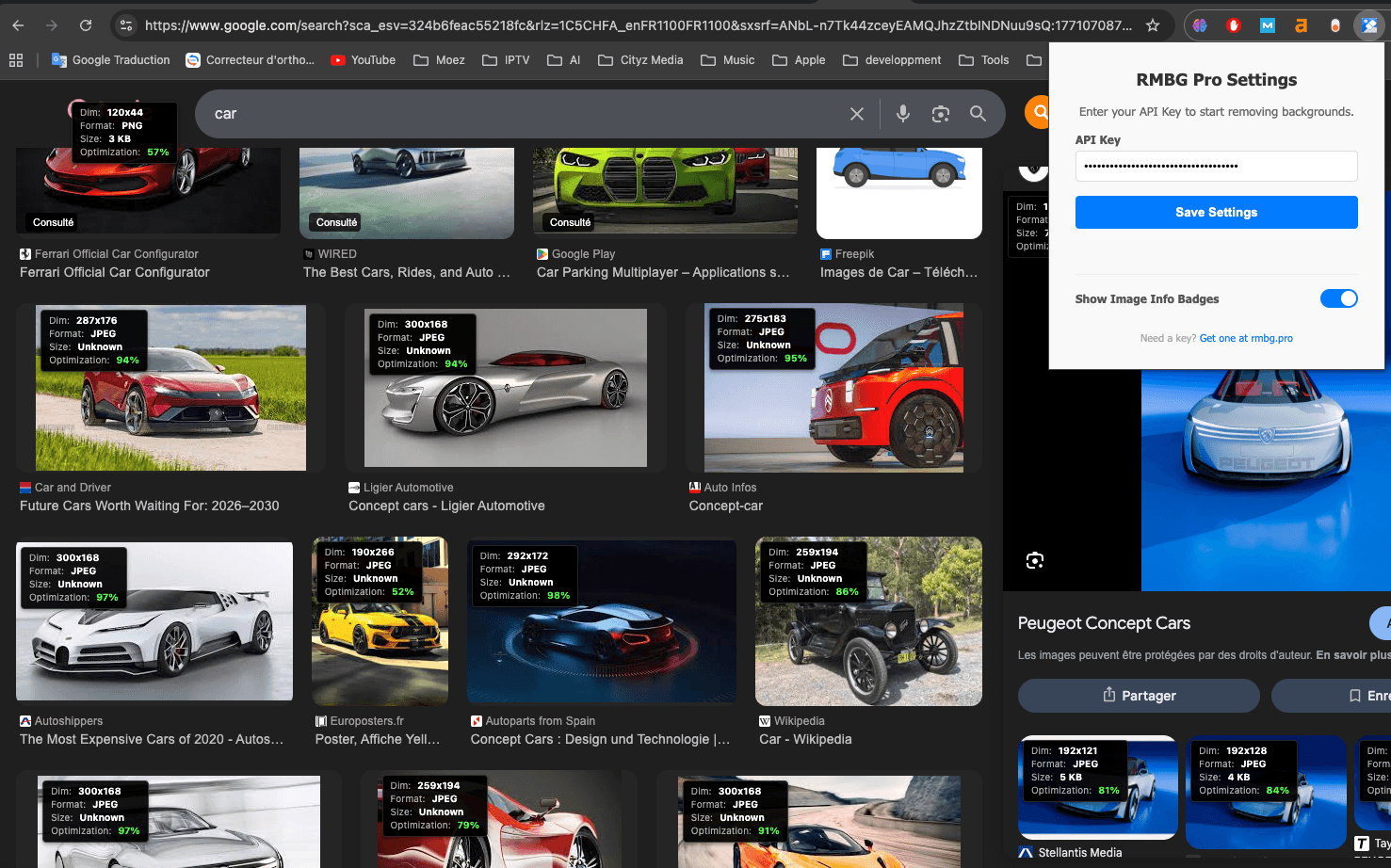
Ever wondered if an image on a page is too big or poorly optimized? Our new Image Info Badges give you instant technical details on any image larger than 30x30px:
- ✅ Dimensions: Real natural width and height.
- ✅ File Size: Accurate size in KB/MB.
- ✅ Format: WebP, PNG, JPG, or GIF detection.
- ✅ Optimization %: Know instantly if the image is too large for its display area.
Once enabled, the badges appear automatically over images as you browse, providing a quick SEO and performance audit of any webpage visually:
Power User Actions
Right-clicking an image now reveals a professional suite of actions under "RMBG Pro Actions". We've added more than just background removal to streamline your workflow:
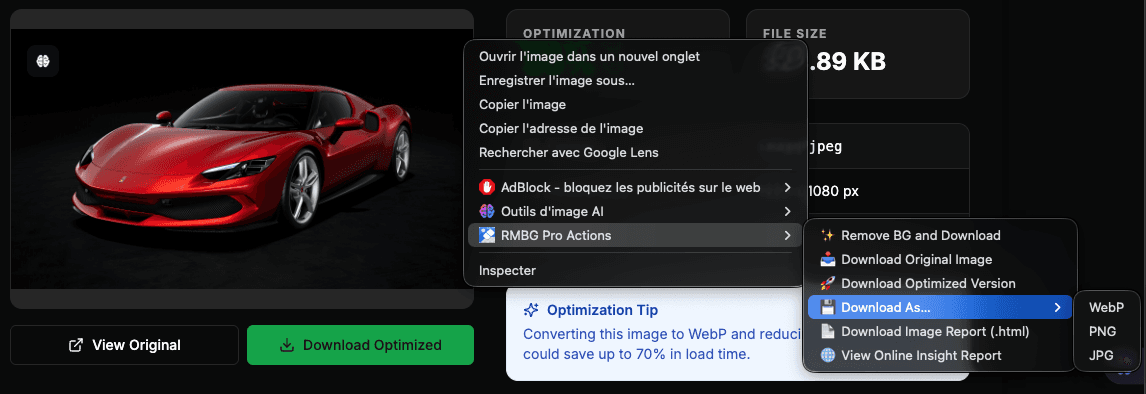
📥 Download Original
Grab the original file instantly with our branded suffix for better organization.
🚀 Optimized Download
Automatically convert to WebP and scale down massive images for web use.
💾 Convert on the Fly
Force any image to download as PNG, JPG, or WebP regardless of its source.
📄 HTML Reports
Download a complete technical report of the image as a standalone HTML file.
🌐 Online Insight Reports
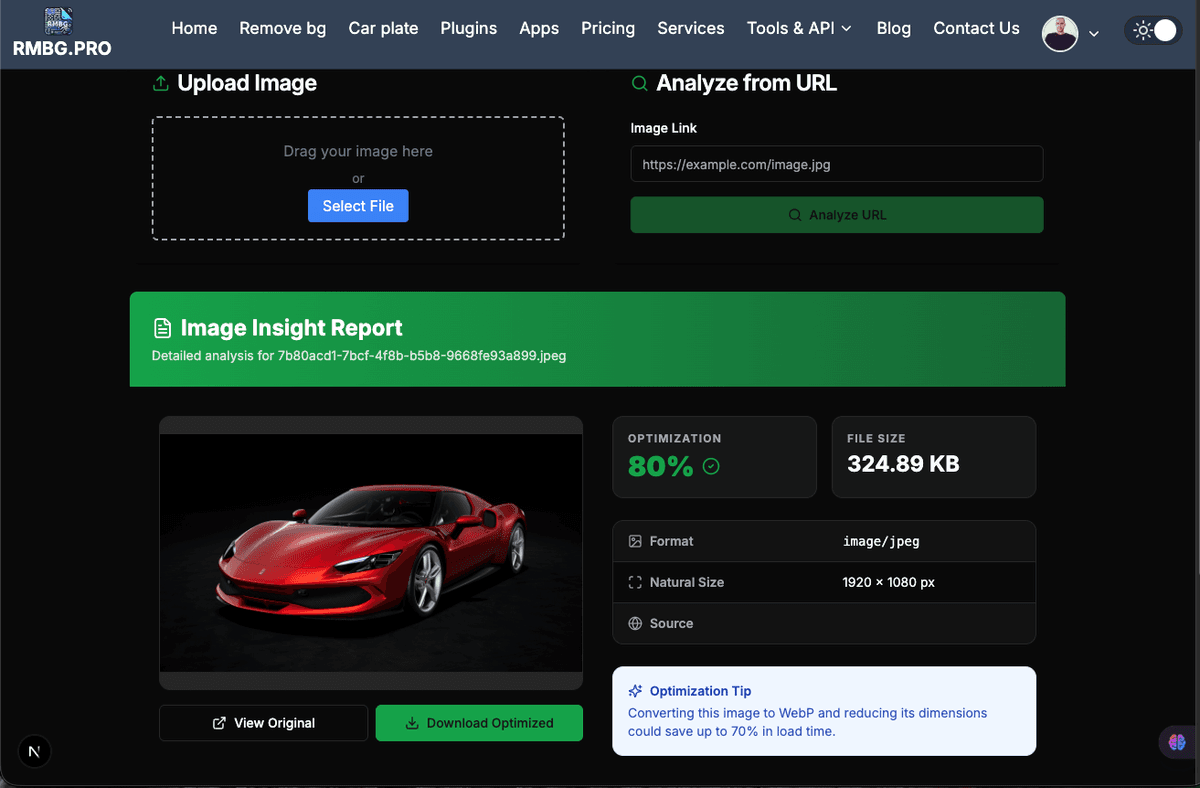
Need a deeper analysis? Select "View Online Insight Report" to open our dedicated analyzer on rmbg.pro.
- 🎯 Visual Preview: Full-size image display.
- 📊 Optimization Scoring: Color-coded scores based on web performance.
- 🔗 Clickable Metadata: Links to source domains and original paths.
- 💡 AI Tips: Personalized optimization advice for each image.
Quick Setup Guide
Download
Get the extension from the Chrome Web Store using the button below.
Extract
Unzip the folder to a safe location on your Mac or PC.
Load
Go to chrome://extensions, enable "Developer mode", and click "Load unpacked".
Activate
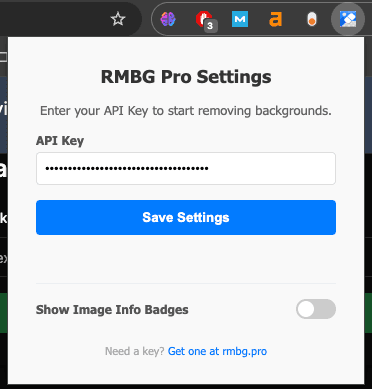
Enter your API key from your RMBG.PRO profile to enable all pro features.
Who is this for?
🛍️ E-commerce Managers
Quickly source and clean supplier images with correct web formatting.
🎨 UI/UX Designers
Grab assets with transparent backgrounds for mockups in seconds.
📈 SEO Specialists
Audit any webpage's images for optimization issues visually.
✍️ Content Creators
Convert and optimize social media graphics directly from your browser.
Ready to Browse Smarter?
Install the extension today and get the most out of every image you see on the web.
Compatible with Chrome • Edge • Brave • Opera