
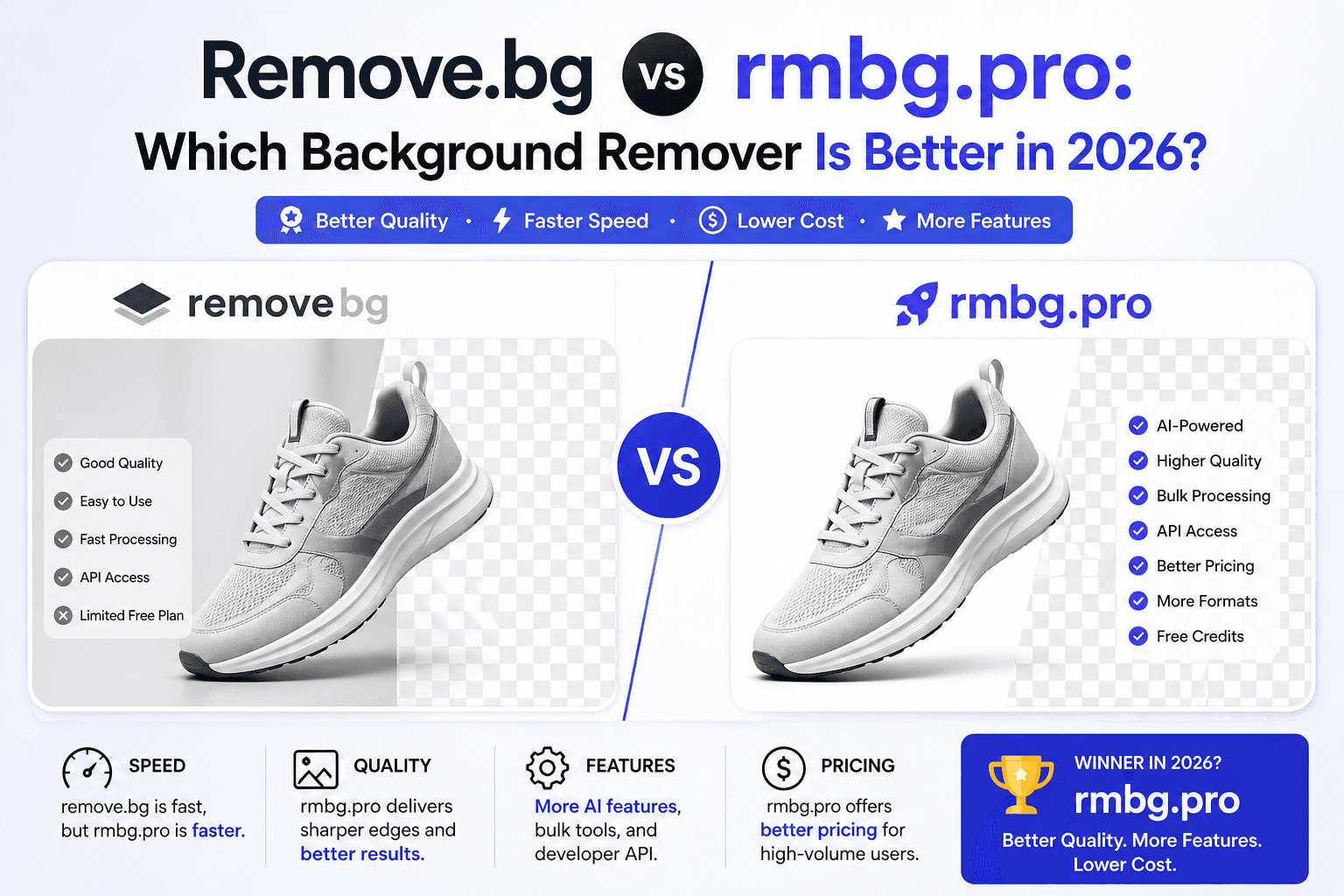
Remove.bg vs rmbg.pro: Which Background Remover Is Better in 2026?
If you’re comparing remove.bg vs rmbg.pro, you’re probably looking for three things: clean edges, fast turnaround, and a workflow that doesn’t slow you down. This comparison breaks down the practical differences (quality, pricing, privacy, and speed) so you can choose confidently for ecommerce, creators, or production teams.
Published on April 24, 2026
Quick Answer
If you want a simple, fast workflow that gets you from upload to download with minimal friction, rmbg.pro is built for that. If you already rely on remove.bg and your current plan fits your volume and budget, it can still be a strong choice. The best option depends on your monthly volume, the kinds of images you process, and how much time you’re willing to spend on retries.
remove.bg
Popular choice- Good results on many standard photos
- Can fit teams already paying for a plan
- Strong recognition as a category leader
rmbg.pro
Workflow-first- Direct “upload → remove → download” flow
- Great for ecommerce cutouts and repeat work
- Connects naturally with RMBG.PRO tools (see Tools)
What Most People Get Wrong About Background Removers
Many comparisons focus only on a single “before/after” image. In real production work, the deciding factors are usually:
- Edge handling: hair, fur, thin objects, and semi-transparency.
- Export workflow: transparent PNG, consistent sizes, and predictable results for catalogs.
- Operational fit: how quickly you can repeat the process across many images.
- Cost per usable image: the real metric is not “price,” it’s “cost per image you can ship.”
This guide uses those practical factors so the conclusion matches how people actually work.
Remove.bg vs rmbg.pro: Feature Comparison
| Category | remove.bg | rmbg.pro |
|---|---|---|
| Core goal | Background removal with mature ecosystem | Fast, practical background removal + broader tool suite |
| Workflow friction | Can depend on plan and usage flow | Designed for quick “upload → remove → download” |
| Exports | Transparent outputs (plan-dependent for some features) | Transparent PNG outputs designed for everyday workflows |
| Ecommerce use | Strong for product cutouts | Strong for product cutouts + complements Shopify/WordPress workflows |
| Integrations | Known for integrations | Works well in the broader RMBG.PRO ecosystem (plugins, tools, workflows) |
Quality: Edges, Hair, Fur, and Thin Objects
Most users notice quality in the “hard cases,” not the easy ones. Easy cases are crisp products on plain backgrounds. Hard cases are:
- Hair against textured backgrounds (trees, crowds, patterns)
- Fur (pets) and soft edges
- Thin objects (glasses frames, bicycle spokes, jewelry chains)
- Reflective or semi-transparent materials (glass, plastic)
The tool that wins for you is the one that consistently delivers “good enough to ship” with fewer retries. For ecommerce, consistency matters more than a perfect single result.
Speed: What “Fast” Really Means
Speed is not just processing time. It’s also how quickly you can repeat the workflow for a batch of images:
- Start time: can you begin without signup friction?
- Iteration: can you quickly re-run with a better source image if edges are rough?
- Download flow: do you reliably get a transparent PNG without extra steps?
If your “fastest workflow” means fewer clicks and less account management, that’s where rmbg.pro tends to fit well for many users.
Pricing and “Cost Per Shippable Image”
The best way to compare costs is to estimate your monthly volume and multiply by your “retry rate.” For example: if you process 300 images/month and you need to redo 10% because edges aren’t usable, your effective cost per final image goes up.
If you primarily need occasional background removal (a few images per week), either tool can work. If you’re processing large catalogs, the better choice is the one that gives predictable results with minimal retries and a workflow your team actually uses.
For a practical look at plans and credits, see pricing.
Privacy and Sensitive Images
When you upload images, you’re potentially uploading personal data (portraits), customer materials, or unreleased product images. Regardless of tool, use a simple checklist:
- Don’t upload confidential client images unless you have permission
- Prefer higher-quality source images to avoid repeated uploads
- Keep a consistent workflow so your team doesn’t “experiment” with sensitive assets across random tools
If your goal is low-friction usage while keeping things simple, starting from rmbg.pro/remove-background is a direct option.
Use Cases: Which One Is Better for You?
Ecommerce (Shopify, Amazon, Etsy)
For product images, you want consistency and quick output that fits your listing requirements. rmbg.pro is a strong fit when you need fast cutouts and a workflow you can repeat across a catalog.
Related guide: Shopify App to Remove Background.
Creators (YouTube, TikTok, Instagram)
Creators often remove backgrounds to build thumbnails, overlays, and sticker-style portraits. Once you have a clean cutout, you can combine it with AI generation or design layouts.
Related tool: YouTube Thumbnail Maker.
Developers and Automation
If you want programmatic background removal, your biggest concerns are reliability, throughput, and predictable outputs. Start with a clear API workflow and build guardrails around image size and formats.
Related guide: API Development Guide.
Decision Checklist (Pick the Right Tool in 60 Seconds)
- 1Need the quickest path to a transparent PNG cutout? Start with rmbg.pro/remove-background.
- 2If you already have a remove.bg plan and it matches your volume, keep it for that workflow.
- 3If you process ecommerce catalogs, optimize for consistency and fewer retries.
- 4If you need automation, choose the tool that fits your integration and throughput needs.
Internal Links
Start here
Image Suggestions (with ALT text)
- Split hero graphic — ALT: “Remove.bg vs rmbg.pro background remover comparison”
- Product photo before/after — ALT: “Transparent background PNG for ecommerce product image”
- Hair edge zoom — ALT: “Hair edge quality test for AI background removal”
- Workflow diagram — ALT: “Upload remove download workflow for background remover tools”
FAQ
Is rmbg.pro a remove.bg alternative?▾
Which one is better for Shopify product photos?▾
Do both tools export transparent PNG?▾
What image types are the hardest for background removal?▾
How do I get the best quality cutout?▾
Where can I remove a background right now?▾
Try rmbg.pro
Want a fast workflow from upload to transparent PNG? Start with the background remover and keep your assets consistent across your ecommerce and creative projects.
Similar articles
View all
Work with permitted TikTok content using RMBG.PRO. Check public TikTok links, convert videos to MP4 or WebM, extract MP3 or WAV audio, and choose quality presets.
Travaillez avec du contenu TikTok autorisé grâce à RMBG.PRO. Vérifiez les liens publics, convertissez en MP4 ou WebM, extrayez l’audio MP3 ou WAV et choisissez la qualité.
Trabaja con contenido TikTok permitido en RMBG.PRO. Revisa enlaces públicos, convierte a MP4 o WebM, extrae audio MP3 o WAV y elige la calidad.